
Conversational Analysis
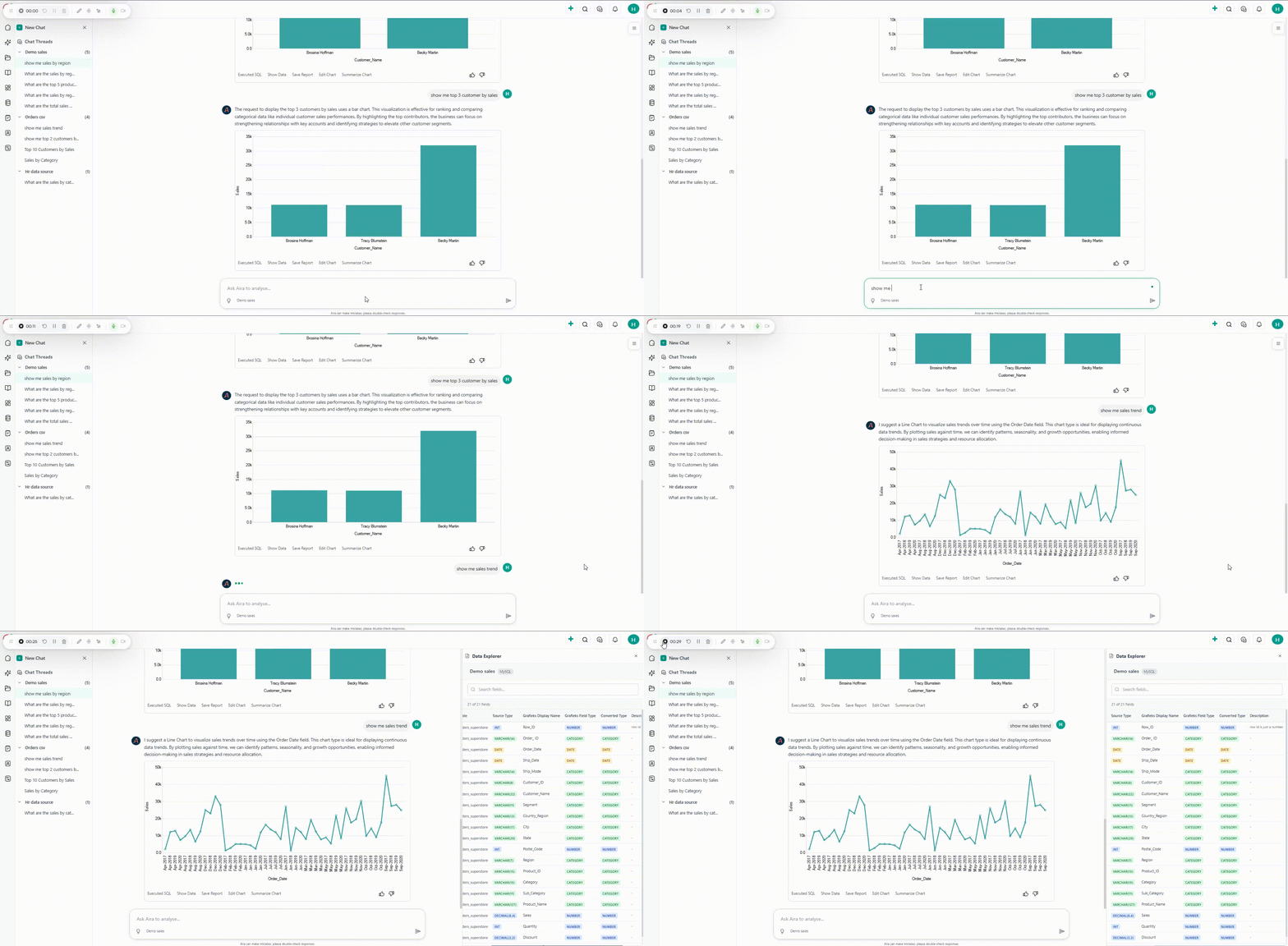
Conversational Analysis allows users to interact with Aira through a chat-like interface to explore data, ask questions, and generate insights in real time. Instead of writing complex queries or navigating multiple dashboards, users can simply type natural language questions and receive clear, contextual responses.
With Conversational Analysis, you can:
- Ask questions about your data in plain language.
- Generate quick summaries of trends, metrics, or KPIs.
- Start and manage chat threads for ongoing analysis.
- Use AI guidance to refine your analysis without switching to self service analytics.
This feature is designed to make data exploration intuitive, collaborative, and accessible to everyone - regardless of technical skill level.
How It Works
Section titled “How It Works”-
Start a Conversation
- Navigate to the Menu and click on Aira Chat.
- By default a new chat thread will open or continue with past chat thread.
-
Ask Questions in Natural Language
- Type your query in plain English (e.g., “Show me top 10 customers by order quantity”).
- Or select one of the question suggested by Aira
- No need for SQL or technical syntax.
-
AI Processes Your Query
- The AI interprets your question.
- It fetches relevant data, applies analysis, and prepares a response.
-
View Insights
- Results as table, pivot, or visualization depending on your query.
- To create summary click on Summarize Chart next to the generated report.
- The AI highlights key findings for quick understanding.
-
Iterate with Follow-Up Questions
- Ask follow-ups like “Compare this with the previous year” to refine the insight.
- Continue the thread for deeper exploration.
-
Save and create dashboard
- Save the visual by clicking on Save Report next to the generated report.
- Combine saved insights into a personalized dashboard for quick access.