SQL Cell
With Grafieks, querying databases and data warehouses becomes faster and more intuitive. The platform includes built-in SQL blocks that enable users to write, execute, or auto-generate SQL queries using AI.
After integrating your data sources — such as PostgreSQL, Redshift, BigQuery, or Snowflake—into Grafieks, you can instantly start analyzing data. Query results are automatically saved as DataFrames, allowing for further processing and visualization. Features like query caching and sequential query chaining enhance performance and productivity.
To get started
- Connect to your data source by following steps from how to connect to database.
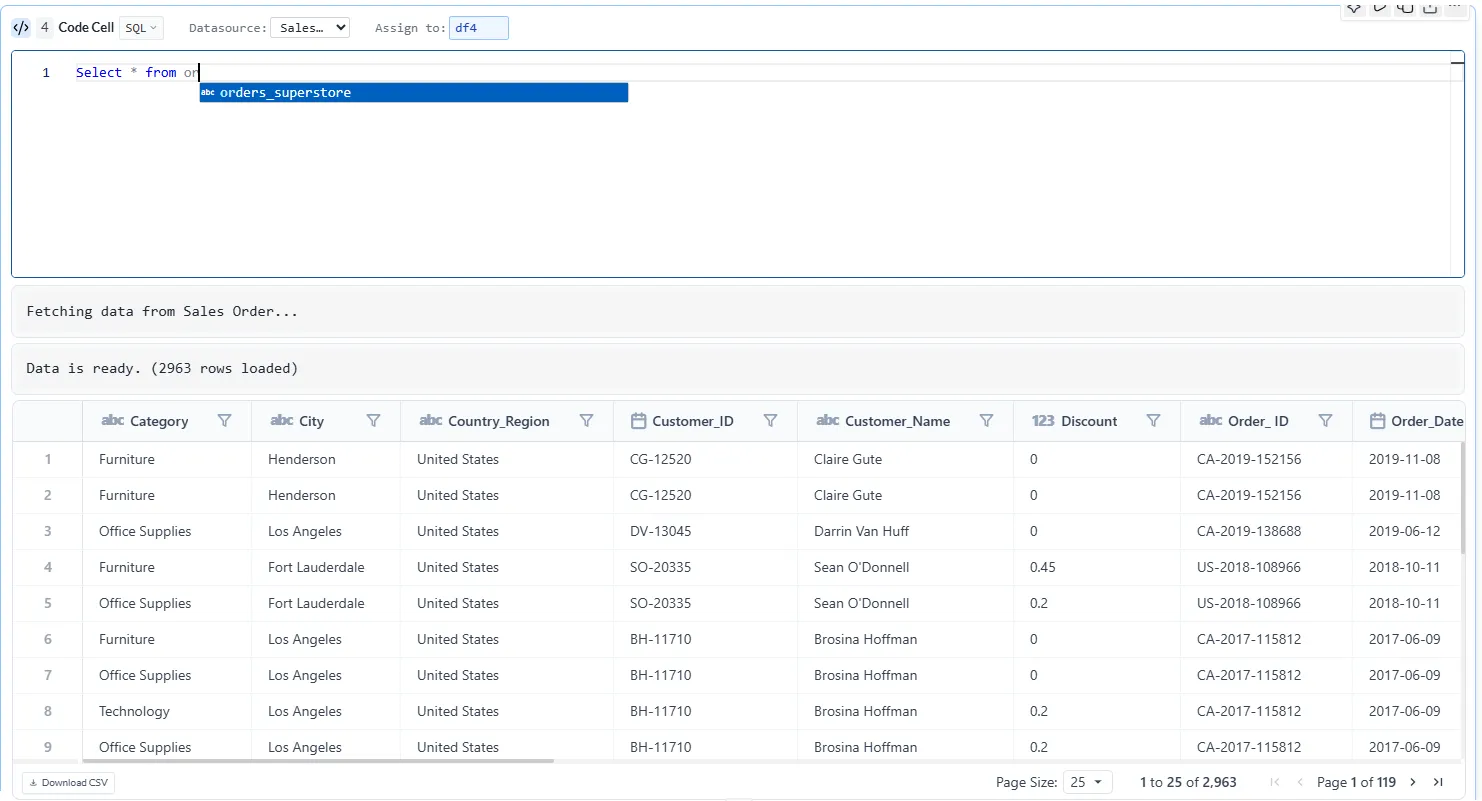
- Write SQL query and click on execute button.
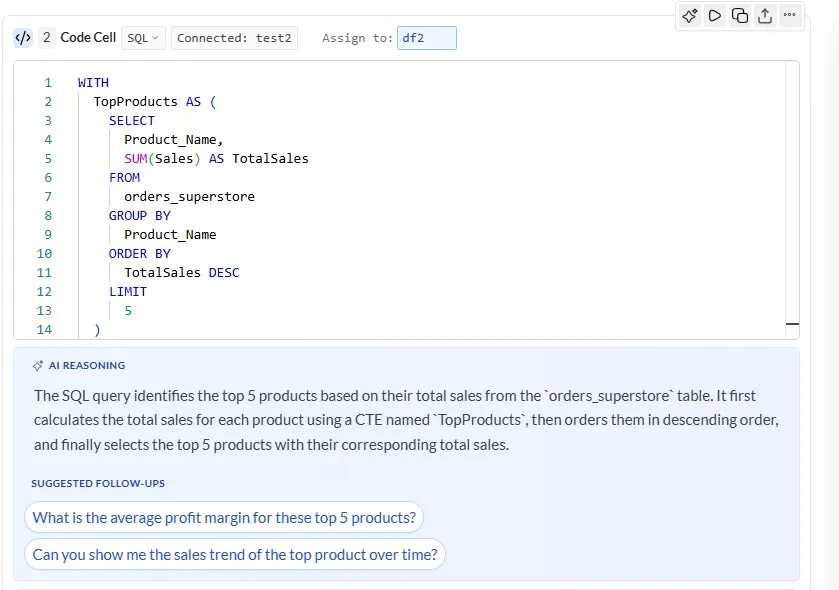
Alternatively you can ask AI to generate the query.
Note:
- Code generated by AI is not executed automatically.
- Users have to review the generated code and run the cell.
Reuse connected data source
Section titled “Reuse connected data source”Once the datasource connection is establish it can be reused in any new cell.
Steps to reuse connected database:
- Add new cell.
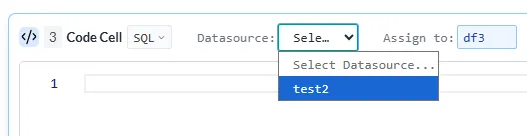
- Change the cell type to “SQL”.
- click on drop down “Datasource” and select the database.