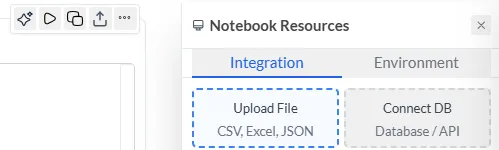
Data Connection
Before performing data cleaning or EDA, data connection is required. Follow any of the below steps. Note:
- Before connection, start the sandbox by clicking on “Connect Environment”
- After establishing connection by following any of the below steps, click on the Connect button from the integration panel.
1. Connect to a saved data sources
Section titled “1. Connect to a saved data sources”Step 1
- Head to Integration panel and click on
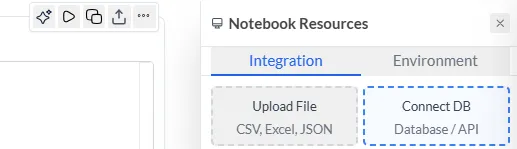
Step 2
- Click on “Grafieks Datasource”.
- select the required datasource.
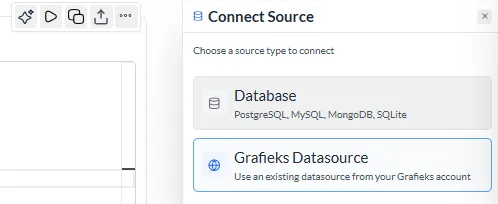
2. Create new connection to a data source
Section titled “2. Create new connection to a data source”Step 1 Head to Integration panel and click on
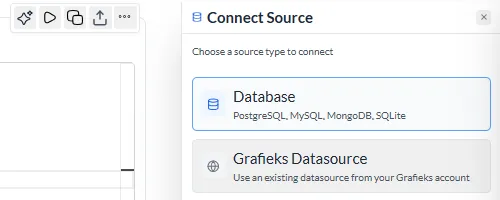
Step 2
- Click on “Database” and then select the database type.
- Enter the credentials and then click on “Test & Connect”
3. Upload CSV or Excel
Section titled “3. Upload CSV or Excel”- Click on upload file.
- Select the file from your local machine.
- Load the file.